Give Your Optimizely Devs (and Agents) Visual Guardrails to Prevent Bugs. Save your spot for the Oct. 29th webinar

Give Your Optimizely Devs (and Agents) Visual Guardrails to Prevent Bugs. Save your spot for the Oct. 29th webinar
We just released version 10.3 of Applitools Eyes on our Application Visual Management (AVM) platform and would like to tell you about three great new capabilities we added:
UI Version Control lets you view the history of an application UI over time, and see how it has changed, what has been changed, and by whom.
Up until now, Applitools has only shown baselines in the context of test results from the test results manager, and you’ve never been able to view the history of a test baseline.
Now in Applitools 10.3, you can see the history of all your test baselines in each branch, compare them to prior versions of your baselines, and revert to an earlier version if necessary. You can do this by selecting ‘Save as latest’ from the baseline options menu. So, if you accidentally accepted a baseline that you shouldn’t have, you can undo your mistake.
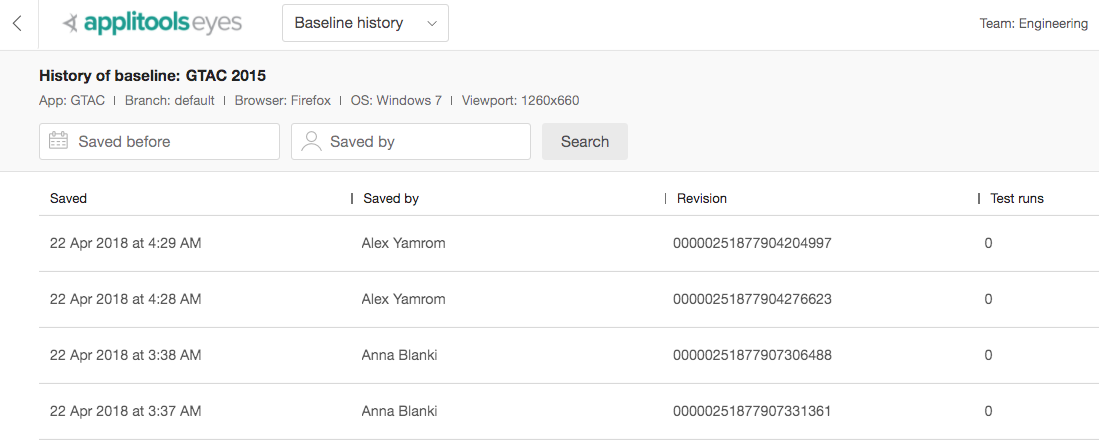
Applitools Baseline History
You can also merge baselines branches just like you merge your code changes. This gives you a lot of flexibility around baseline management.
This capability is essentially version management applied to the concept of the visual aspects of your application’s entire user interface. We call this User Interface Version Control, or UIVC. And we are the first company to build this.
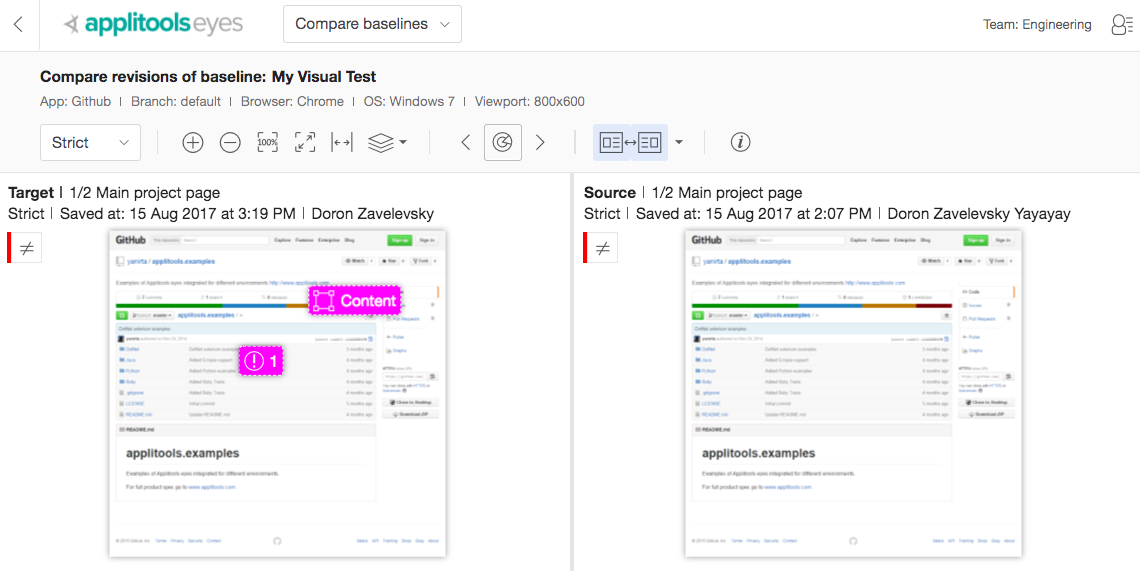
Applitools Baseline Comparison
Another benefit of Applitools’ UIVC is that it gives you a system-of-record to understand how your product’s UI has evolved. We found it amazing that, in 2018, with so many businesses driving the bulk of their revenue through their app or website, there wasn’t a place to go to see the visual evolution of your product. So, we went out and built one!
Here’s a demonstration from our CTO, Adam Carmi, of our new UI Version Control:
The second new feature in Applitools 10.3 is Apps & Tests View. In Applitools, visual tests have always been associated with their respective baselines and been part of an application group. However, there hasn’t been an easy way to visualize this taxonomy of apps, tests, and baselines from the test results manager.
In 10.3, a new user interface screen labeled Apps & Tests now lets you:
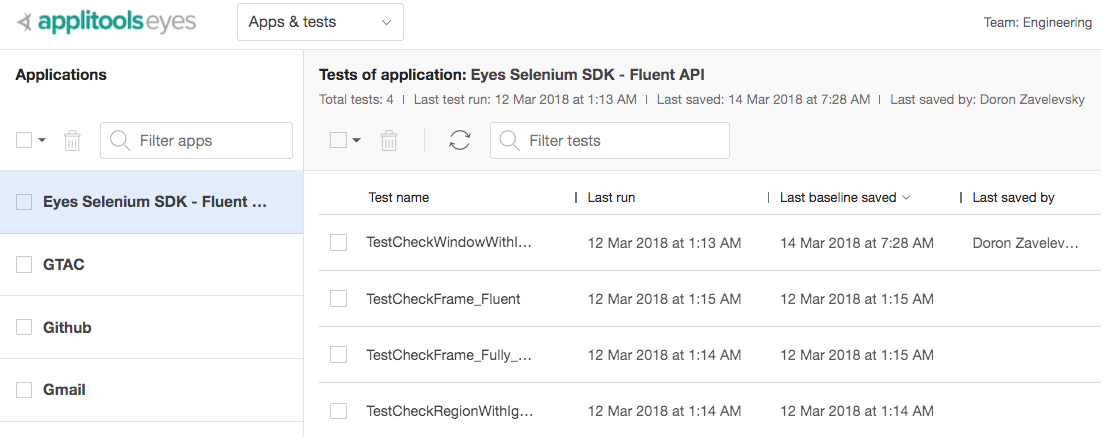
Applitools Applications & Test UI
The third new update in 10.3 is a list of all baselines for a given test. You can get to this screen from the Apps & Tests screen by clicking on a test, as well as by clicking the options icon for a given test.
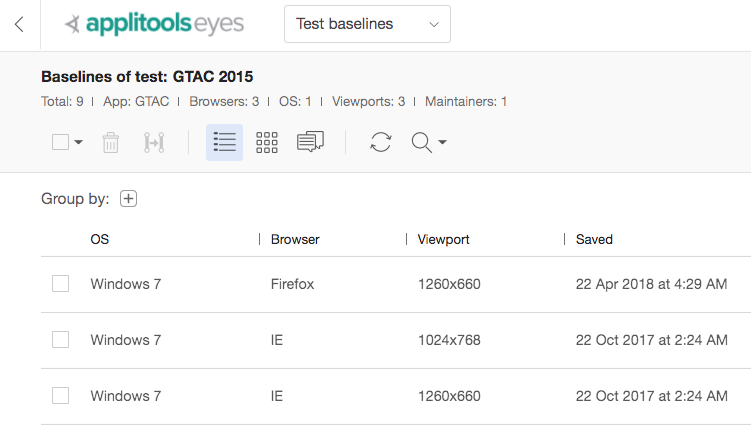
Applitools Test Baselines UI
The screen lets you:
To learn more about Applitools’ visual UI testing and application visual management (AVM) solutions, check out the tutorials on the Applitools website. To get started with Applitools, request a demo, or sign up for a free Applitools account.