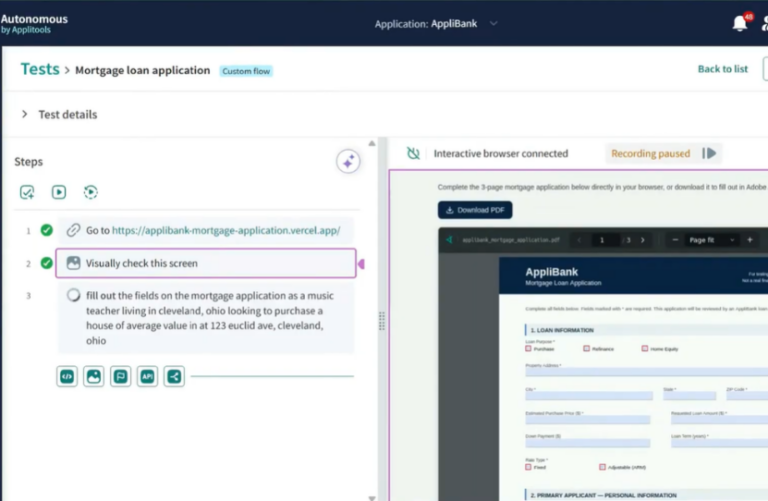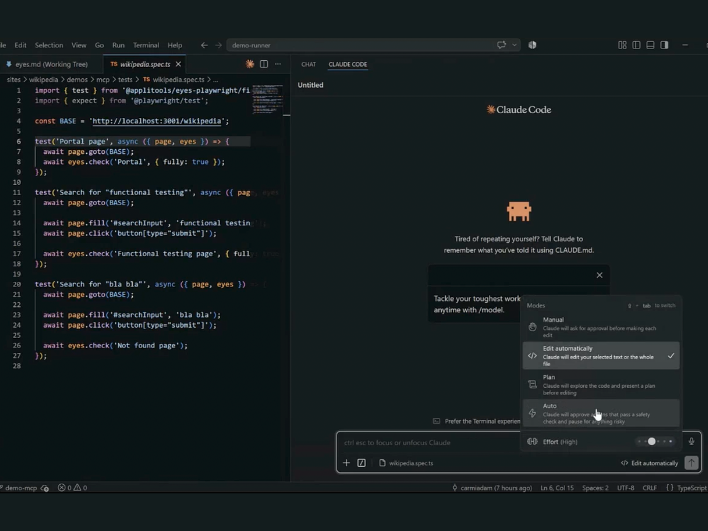

TL;DR
• AI coding assistants speed up feature development, but DOM-level checks and probabilistic AI testing tools cause flakiness and miss visual regressions.
• The Model Context Protocol (MCP) server connects Applitools Visual AI directly to IDE assistants like Copilot, Cursor, and Claude.
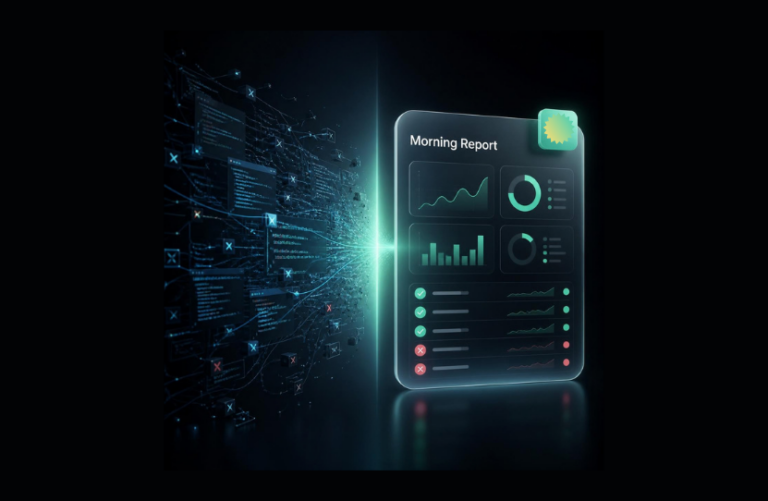
• Developers get deterministic, 100% reproducible visual release signals inside their PR workflow, without adding test maintenance tax.
Developers are shipping faster than ever. AI coding assistants have supercharged feature output, meaning tasks that used to take days now take hours. But speed without verification is just faster failure. Traditional QA, still largely manual and siloed, was never built to keep up with this pace.
Meanwhile, emerging AI testing tools often rely on probabilistic “black box” agents that approximate results, introducing test flakiness, AI drift, and non-reproducible failures that break engineering trust.
One school of thought suggests QA should completely hand over testing to autonomous AI agents. In theory, that sounds convenient. In practice, relying on statistical guesswork leads to hallucinations, unpredictable builds, and weeks of onboarding friction before teams see any return.
The better answer is simpler: testing must shift left directly into the developer’s everyday workflow. Continuous, deterministic verification—not periodic, probabilistic QA sprints.
Developers don’t want to write or debug fragile locator scripts. When they add testing to their workflow, they want an enforceable, reproducible signal without learning a new proprietary platform or changing how they write code.
The AI assistant living in your editor (Copilot, Cursor, Claude) can generate functional test code as easily as feature code. But functional code checks are only half the story.
Users don’t experience your application through DOM trees or unit tests—they see it visually. Layout regressions, component misalignment, and unexpected UI shifts constantly slip past code-level assertions. An element can be technically present in the DOM while being completely invisible or broken for the end user.
Replacing hundreds of brittle DOM assertions with visual validation solves this gap. However, conventional pixel-diffing tools flood pipelines with false positives from rendering noise, while generative LLMs introduce statistical drift.
Engineering teams consistently tell us: “We already have AI tooling. We want technology that integrates seamlessly into our existing workflow, not another black-box dashboard to manage.”
The last thing developers need is another external LLM to connect or another noisy pipeline signal to triage. This is where the Model Context Protocol (MCP) and Applitools come together.
Model Context Protocol (MCP) enables AI agents within your existing tools to call external services directly. The Applitools MCP server exposes Applitools’ deterministic Visual AI directly to your AI assistant as a native tool. Rather than relying on statistical likelihoods, Applitools uses Computer Vision and Visual AI that accurately mimics the human eye to deliver exact, 100% reproducible test results every time.
This isn’t a new testing silo. It’s your current AI assistant, powered by Visual AI, eliminating the test maintenance tax without ever leaving your IDE.
| Approach | Common AI Testing Tools | Applitools Deterministic Visual AI |
|---|---|---|
| Execution Model | Statistical Guesswork & Probabilistic LLMs (AI drift and flakiness) | Coded Logic & Deterministic Visual AI (Same input = Same output. Every time) |
| Assertions | Brittle DOM/CSS Selectors or Basic Pixel Diffs (High false positives) | Human-Eye Simulation & Single-Line Visual Snapshots (Catches real visual bugs, not noise) |
| CI Signal Trust | Unpredictable “Black Box” (Varying results on each test run) | Rock-solid “Go/No-Go” signal (Red means broken. Green means shippable) |
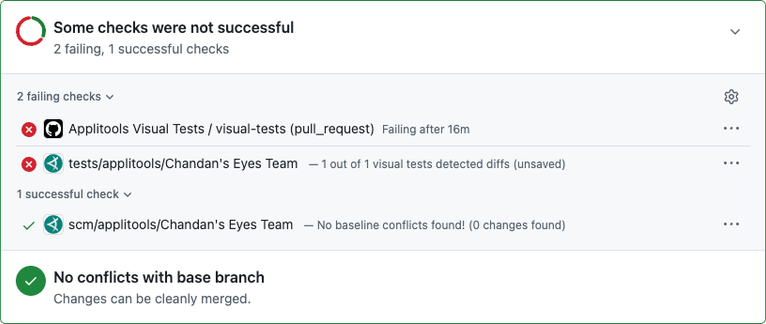
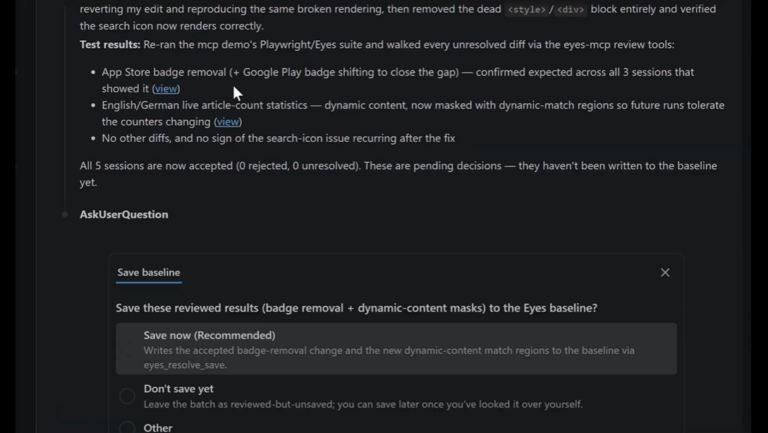
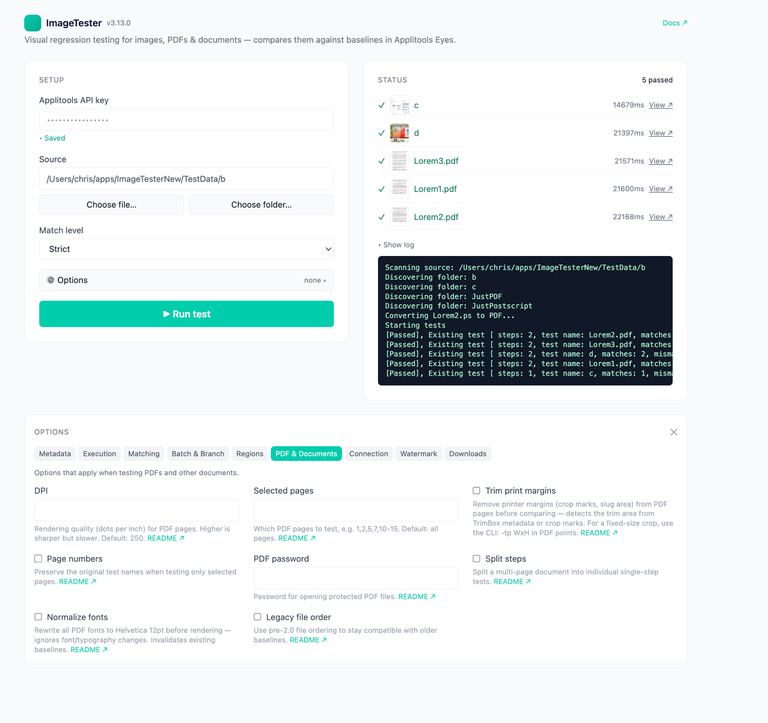
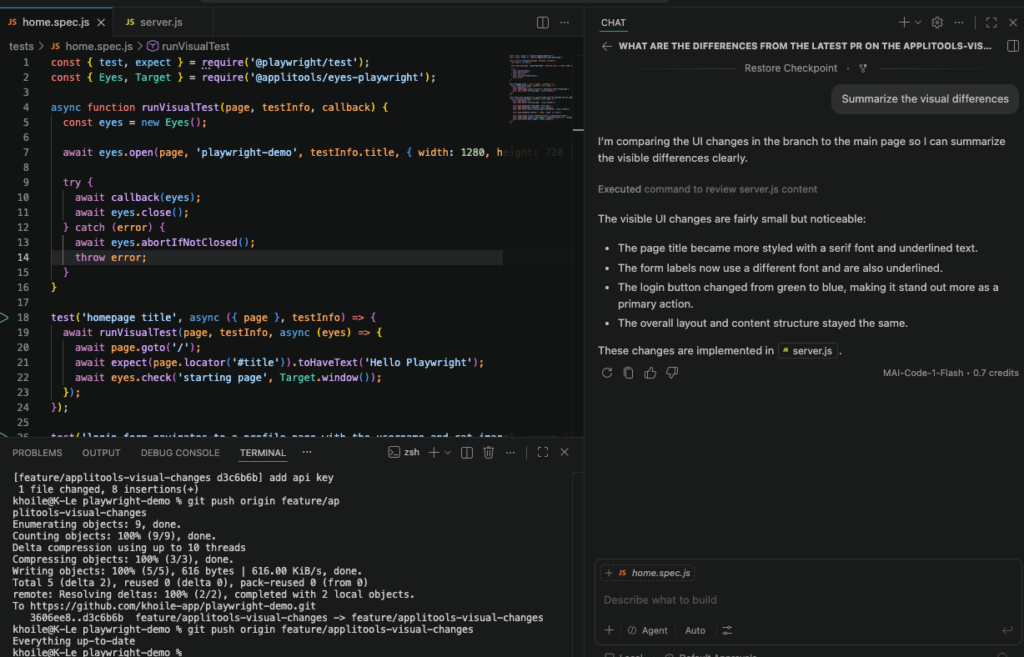
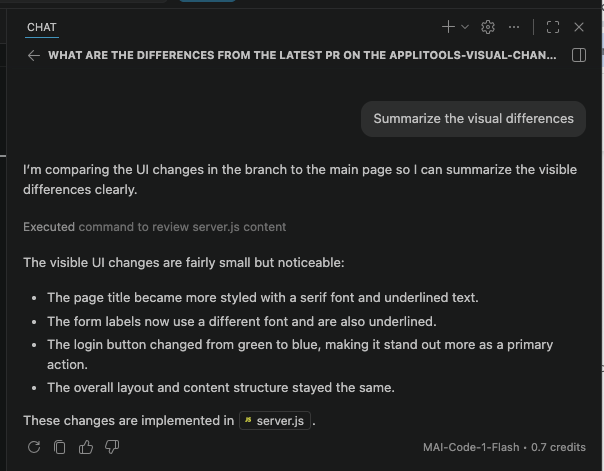
Here is a seamless developer flow using VS Code, Playwright, GitHub, and Copilot/Cursor with the Applitools MCP server:
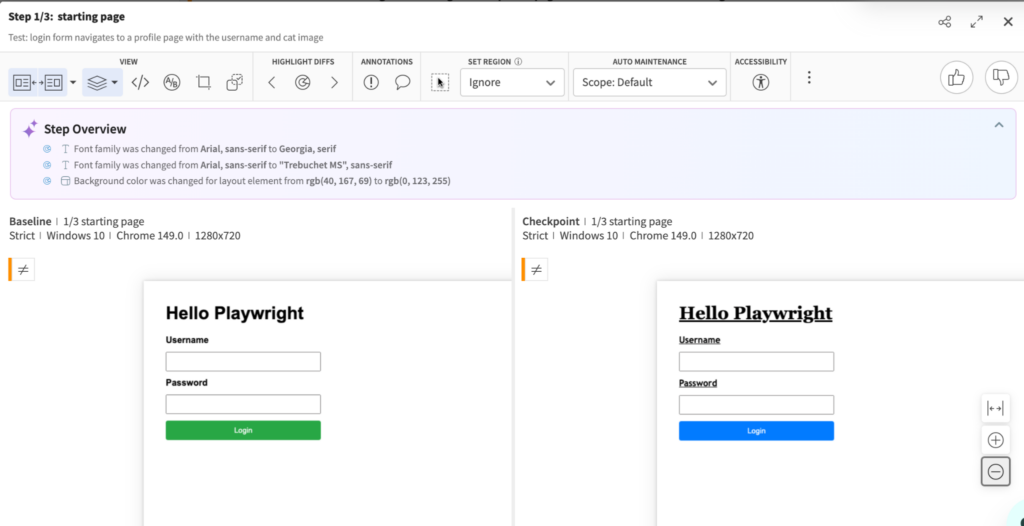
The goal isn’t to replace QA or turn developers into full-time test maintainers. It’s to eliminate the test maintenance tax and make quality an effortless byproduct of development.
When your AI coding assistant leverages deterministic Visual AI to validate UI changes across browsers and devices, “shift left” stops being a buzzword and becomes an enforceable release standard.
Red means broken. Green means shippable.
Read more about how to add visual testing to your AI workflow with the Applitools MCP Server, review the Applitools MCP documentation, or try it in your own project during a free trial.
MCP is an open standard that enables AI assistants inside your editor (like Copilot, Cursor, or Claude) to interact with external tools. In visual testing, the Applitools MCP server gives your IDE assistant direct access to deterministic Visual AI, allowing it to generate single-line visual assertions, run visual checks, and explain diffs without you ever leaving your code editor.
Probabilistic AI tools rely on general LLMs and statistical guesswork, which causes AI drift, non-reproducible failures, and high false-positive rates. Applitools deterministic Visual AI uses computer vision and coded logic—trained on over 4 billion images across 12+ years—to guarantee that the exact same input produces the exact same output every time.
Once the Applitools MCP server is connected, you can prompt your AI assistant (e.g., “Add visual verifications to my existing tests”). The assistant automatically instruments your test scripts with single-line eyes.check() assertions and manages baselines through your existing PR process. To step through setup instructions, visit the Applitools MCP Server documentation.