
Visual regression testing, which validates user interfaces, plays a critical role in DevOps and CI/CD pipelines. The UI often impacts an application’s drop-off rate and directly affects customer experience. A malfunctioning front end harms a tech brand’s reputation and must be avoided at all costs.
Manual testing procedures are not enough to understand intricate UI modifications. Automation scripts could be a solution but are often tedious to write and deploy. Visual testing, therefore, is a crucial element that determines changes to the UI and helps devs flag unwanted modifications.
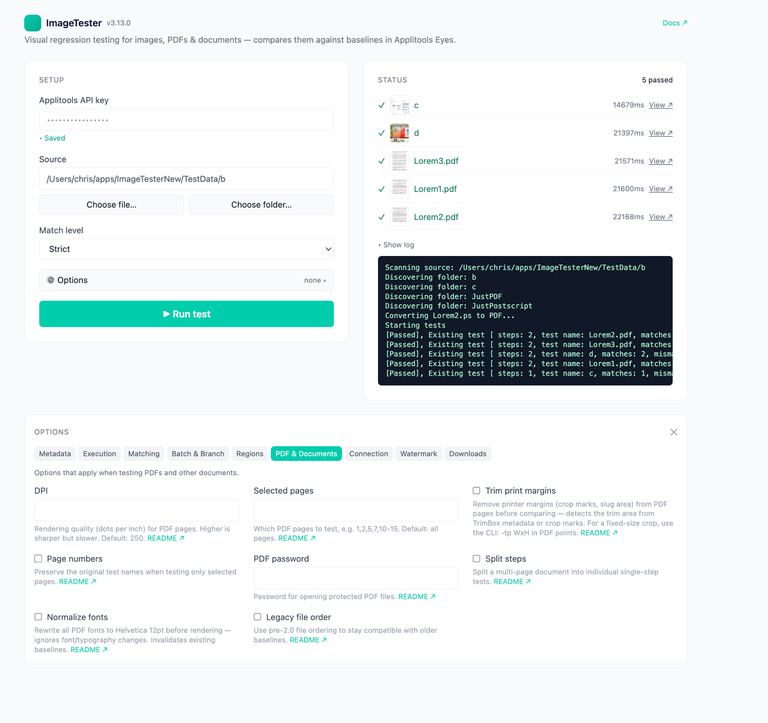
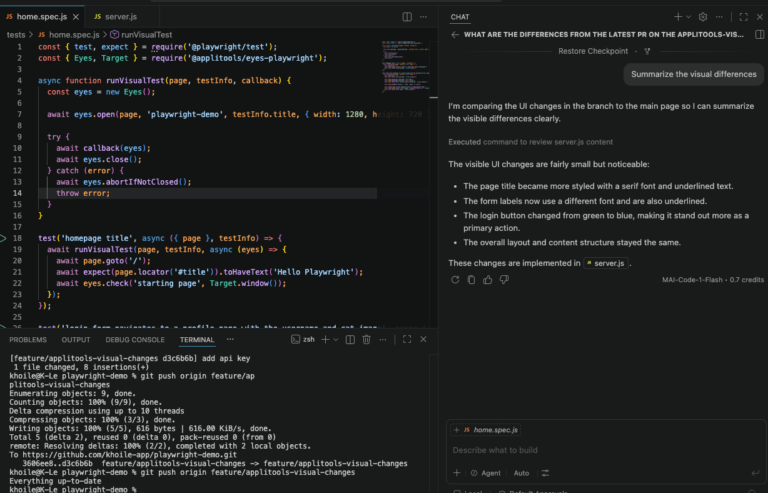
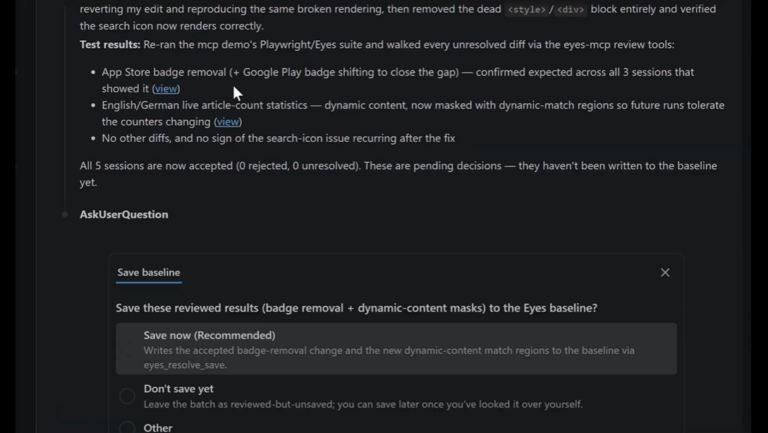
Each visual regression testing cycle follows a similar structure: the tool captures and stores baseline images or screenshots of a UI. After every source code change, the visual testing tool takes snapshots of the interface and compares them with the baseline repository. If the images don’t match, the test fails, and the tool generates a report for the development team.
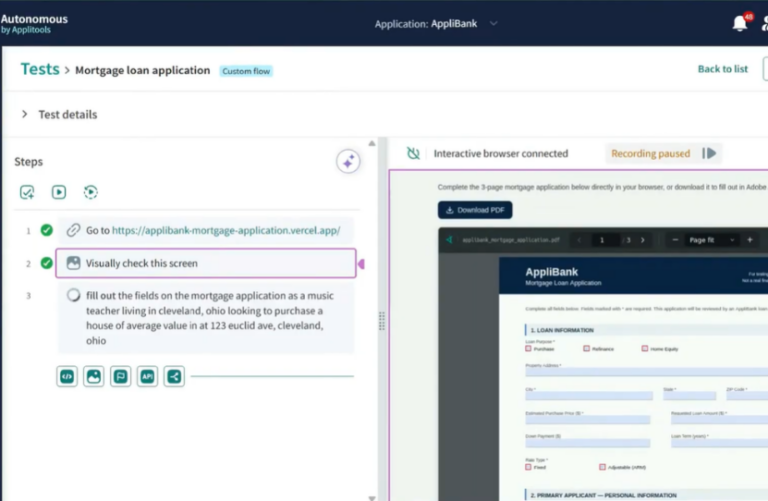
Revolutionizing visual testing is Visual AI – a game-changing technology that automates the detection of visual issues in user interfaces. It also enables software testers to improve the accuracy and speed of testing. With machine learning algorithms, Visual AI can analyze visual elements and compare them to an established baseline to identify changes that may affect user experience.
From font size and color to layout inconsistencies, Visual AI can detect issues that would otherwise go unnoticed. Automated visual testing tools powered by Visual AI, such as Applitools, improve testing efficiency and provide faster and more reliable feedback. The future of visual testing lies in Visual AI, and it has the potential to significantly enhance the quality of software applications.
Visual testing plays a critical role in software testing by analyzing an application’s user interface and user experience. It ensures that the software looks and behaves as expected, displaying all elements correctly across different devices and platforms. Visual testing detects issues like layout inconsistencies, broken images, and text overlaps that could harm the user experience.
Automated visual testing tools like Applitools can scan web and mobile applications and identify any changes to visual elements. Effective visual testing can help improve application usability, increase user satisfaction, and ultimately enhance brand loyalty.
Visual testing and functional testing complement each other as two essential components of software testing. Functional testing ensures that the application’s features work as expected, while visual testing verifies that visual elements like layout, fonts, and images display correctly. Visual testing enhances functional testing by expanding test coverage, reducing testing time and resources, and improving testing accuracy
Some more benefits of visual testing for functional testing are as follows:
Further reading: https://app14743.cloudwayssites.com/solutions/functional-testing/
The following section consists of 10 visual testing tools that you can integrate with your current testing suite.
Applitools is one of the most popular tools in the market and is best known for using AI in visual regression testing. It offers feature-rich products like Eyes, Ultrafast Test Cloud, and Ultrafast Grid for efficient, intelligent, and automated testing.
Applitools is 20x faster than conventional test clouds, is highly scalable for your growing enterprise, and is super simple to integrate with all popular frameworks, including Selenium, WebDriver IO, and Cypress. The tool is state of the art for all your visual testing requirements, with the ‘smarts’ to know what minor changes to ignore, without any prior settings.
Applitools’ Auto-Maintenance and Auto-Grouping features are handy. According to the World Quality Report 2022-23, maintainability is the most important factor in determining test automation approaches, but it often requires a sea of testers and DevOps professionals on their toes, ready to resolve a wave of bugs.
Cumbersome and expensive, this can break your strategies and harm your reputation. Auto-Grouping categorizes the bugs as Auto-Maintenance resolves them while offering you the flexibility to jump in wherever needed. Applitools enters the movie here.
Applitools Eyes is a Visual AI product that dramatically minimizes coding while maximizing bug detection and test updation. Eyes mimics the human eye to catch visual regressions with every app release. It can identify dynamic elements like ads or other customizations and ignore or compare them as desired.
Features:
Advantages:
Read more: Applitools makes your cross-browser testing 20x faster. Sign up for a free account to try this feature.
A visual regression tool, often underrated, Aye Spy is open-source and heavily inspired by BackstopJS and Wraith. At its core, the creators had one issue they wanted to challenge- performance. The visual regression tools in the market are missing this key element that Aye Spy finally decided to incorporate with 40 UI comparisons in under 60 seconds (with optimum setup, of course)!
Features:
Advantages:
Hermione, an open-source tool, streamlines integration and visual regression testing although only for more straightforward websites. It is easier to kickstart Hermione with prior knowledge of Mocha and WebdriverIO, and the tool facilitates parallel testing across multiple browsers. Additionally, Hermione effectively uses subprocesses to tackle the computation issues associated with parallel testing. Besides this, the tool allows you to segregate tests from a test suite by only adding a path to the test folder.
Features:
Advantages:
Needle, supported by Selenium and Nose, is an open-source tool that is free to use. It follows the conventional visual testing structure and uses a standard suite of previously collected images to compare the layout of an app.
Features:
Advantages:
Colin Williamson created Vizregress, a popular open-source tool, as a research project based on AForge.Net. He aimed to resolve a crucial issue: Selenium WebDriver, which Vizregress uses in the background, couldn’t distinguish between layouts when CSS elements stayed the same but the visual representation changed. This was a problem that could disrupt a website.
Vizregress uses AForge attributes to compare every pixel of the images (new and baseline) to determine if they are equal. This is a complex task that does not deny its fragility.
Features:
Advantages:
Jonathan Dann and Todd Krabach created iOSSnapshotTestCase, previously known as FBSnapshotTestCase, and originally developed it within Facebook—though Uber now maintains it. This tool follows a visual testing structure, comparing test screenshots with baseline images of the UI.
iOSSnapshotTestCase uses tools like Core Animation and UIKit to generate screenshots of an iOS interface. These are then compared to specimen images in a repository. The test inevitably fails if the snapshots do not match.
Features:
Advantages:
VisualCeption uses a straightforward, 5-step process to perform visual regression testing. It uses WebDriver to capture a snapshot, JavaScript for calculating element sizes and positions, and Imagick for cropping and comparing visual components. An exception, if raised, is handled by Codeception.
It is essential to note here that VisualCeption is a function created for Codeception. Hence, you cannot use it as a standalone tool – you must have access to Codeception, Imagick, and WebDriver to make the most out of it.
Features:
Advantages:
BackstopJS is a testing tool that can be seamlessly integrated with CI/CD pipelines for catching visual regressions. Like other tools mentioned above, BackstopJS compares webpage screenshots with a standard test suite to flag any modifications exceeding a minimum threshold.
A popular visual testing tool, BackstopJS has formed the basis of similar tools like Aye Spy.
Features
Advantages:
Visual Regression Tracker is an exciting tool that goes the extra mile to protect your data. It is self-hosted, meaning your information is unavailable outside your intranet network.
In addition to the usual visual testing procedure, the tool helps you track your baseline images to understand how they change over time. Moreover, Visual Regression Tracker supports multiple languages including Python, Java, and JavaScript.
Features:
Advantages:
Galen Framework is an open-source tool for testing web UI. It is primarily used for interactive websites. Although developed in Java, the tool offers multi-language support, including CSS and JavaScript. Galen Framework runs on Selenium Grid and can be integrated with any cloud testing platform.
Features:
Advantages:
Here is a quick recap of all 10 tools mentioned above:
The following comparison chart gives you an overview of all crucial features at a glance. Note how most tools have attributes that are ambiguous or undocumented. Applitools stands out in this list, giving you a clear view of its properties.
This summary gives you a good idea of the critical features of all the tools mentioned in this article. However, if you are looking for one tool that does it all with minimal resources and effort, select Applitools. Not only did they spearhead Visual AI testing, but they also fully automate cross-browser testing, requiring little to no intervention from you.
Customers have reported excellent results – 75% less time required for testing and 50% minimization in upkeep endeavors. To know how Applitools can seamlessly integrate with your DevOps pipeline, request your demo today, or register for a free Applitools account.
Visual regression testing validates a user interface by checking for unintended visual changes after updates. It’s crucial because a malfunctioning UI can negatively impact user experience, causing higher drop-off rates and potentially damaging a brand’s reputation.
Visual testing tools capture baseline images of the UI and compare them to images taken after each code change. When differences are detected, the tool flags them and generates a report, helping development teams quickly identify and address unwanted modifications.
Visual AI uses machine learning to analyze visual elements and identify meaningful changes that could affect user experience. It improves testing accuracy by recognizing subtle issues like layout shifts or color changes, while ignoring minor, non-impactful differences.
Visual testing enhances functional testing by covering visual elements like layout, fonts, and images, ensuring they display correctly across devices. This combination broadens test coverage, reduces time and resources, and improves test accuracy by catching UI issues early.
Applitools leverages Visual AI to automate and optimize visual regression testing, providing features like Auto-Maintenance, Ultrafast Test Cloud, and Smart Assist. It’s widely compatible with popular frameworks, making it easy to integrate and effective in reducing testing time and maintenance efforts.
Visual testing tools integrate with DevOps and CI/CD pipelines to provide continuous feedback on UI changes. Tools like Applitools ensure that every release undergoes thorough visual checks, helping teams maintain high-quality user experiences even with rapid code changes.