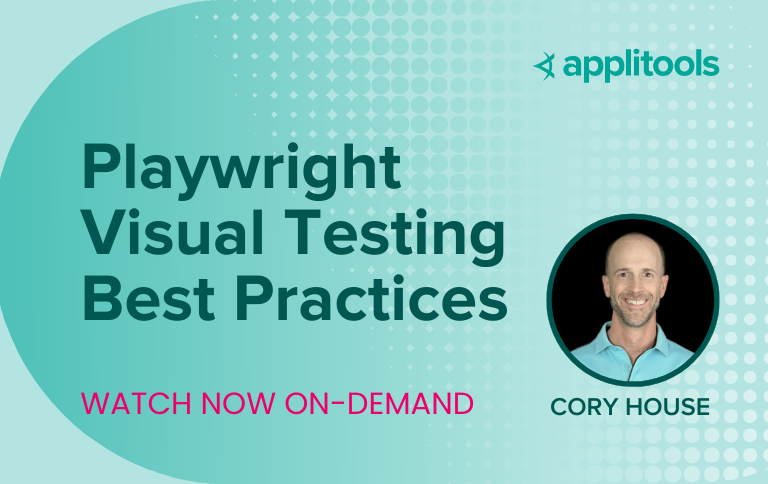
Visual testing is crucial for ensuring seamless user experiences by identifying regressions early and maintaining the visual integrity of applications. In our recent webinar, Playwright Visual Testing Best Practices, Cory House—a software developer, architect, and Playwright ambassador—shared essential insights and practical strategies to enhance your testing process.
Why Visual Testing Matters
Visual testing focuses on what users see when interacting with an application. Unlike functional tests, which validate “if it works,” visual testing ensures “if it looks right.” From detecting subtle CSS issues to validating themes and layouts across devices, visual testing complements unit, integration, and end-to-end testing strategies. Cory outlined why visual testing is essential:
Catch visual regressions early—Identify unintended changes in your application’s design.
Validate consistency—Ensure design components like themes, layouts, and responsiveness work across browsers and devices.
Boost confidence in refactoring—With robust visual testing, developers gain the confidence to improve features without fear of introducing visual errors.
Two Approaches to Visual Testing
During the webinar, two approaches to visual testing were discussed:
Playwright’s Built-in Snapshot Testing
Playwright offers a developer-friendly built-in snapshot testing tool. It’s great for smaller projects or teams just getting started with visual testing. However, challenges like layout shifts and dynamic content require additional custom configurations.
Key Advantage: Minimal setup for developers and local execution for quick validation.
Key Limitation: Susceptible to test flakiness, false positives, and limited handling of dynamic content.
Applitools Eyes’ AI-powered Visual Testing
For advanced needs, Applitools Eyes provides enterprise-grade features like AI algorithms to handle dynamic content, floating elements, and layout changes. Its cloud-based platform ensures consistent testing across environments, reducing false positives caused by machine or browser differences.
Key Advantages:
Handles dynamic content effortlessly.
Detects meaningful changes instead of minor pixel differences.
Enables accessibility and A/B testing support.
Simplifies debugging with an intuitive dashboard.
Key Limitation: Requires integration efforts, but delivers unmatched scalability and precision.
“Playwright snapshots are great for getting started with visual testing, but if you’re dealing with complex dynamic content or working in large teams, Applitools’ advanced capabilities are a game-changer.” – Cory House
Overcoming Common Visual Testing Challenges
Layout Shifts
Challenge: Element displacement due to new features or changes can lead to failed tests.
Solution:
With Playwright: Snapshot individual components instead of entire pages.
With Applitools: Use “ignore” region feature to avoid unnecessary failures from harmless shifts.
Dynamic Content
Challenge: Changing data, like user balances in a dashboard, can cause test flakiness.
Solution:
Playwright users can mask dynamic areas or use mock data.
Applitools simplifies this with AI that can ignore insignificant dynamic changes or confirm text data matches preconfigured or custom patterns.
Test Flakiness
Challenge: Slight differences in rendering across machines and environments lead to false failures.
Solution:
Run tests in consistent CI environments to avoid discrepancies between local setups.
Applitools’ cloud-based testing offers consistent rendering across environments for each run and automatically accounts for differences between browsers, devices, and screen sizes.
Merge Conflicts
Challenge: Snapshot diffs can lead to conflicts during team collaboration.
Solution:
Use Applitools’ diffing tool for a visual representation of changes, allowing easy resolution.
Debugging
Challenge: Debugging failed tests on full-page snapshots can be overwhelming.
Solution:
Focus on smaller, modular components with Playwright.
Leverage Applitools’ annotations and layout-focused match levels for better clarity.
Visual testing is not a silver bullet but a powerful addition to your testing toolkit. Cory highlighted the need for a balanced testing strategy, integrating visual testing with unit, integration, and end-to-end tests. Choosing the right tools and configuration can accelerate development cycles while maintaining quality.
Next Steps
Want to learn more about implementing visual testing in your workflow? Book a personalized demo of Applitools today and explore how AI-powered testing can transform your testing strategy.