
Last month, we hosted a webinar about ensuring a reliable digital eCommerce experience for the holiday season. This blog post will expand upon what we talked about in the webinar. In case you missed it, the webinar is available on-demand.
In this blog, we’ll talk about:
Traditional testing methods don’t always test your eCommerce applications in the same way that your customers shop. Properly capturing user scenarios based on how customers behave in your app is challenging, and writing stable tests that properly test these scenarios scale is tedious and can slow releases.

There’s a lot of data involved in eCommerce apps – product data, user data, app state, and so many different combinations of this data for different users as they shop in your virtual store. All of this data creates a lot of different potential user paths and testing scenarios to cover the different combinations of states based on product information and buyer information.

Shoppers may be on different browsers, on desktop or different mobile devices, or even using them in tandem to find the product they want – finding the product on their mobile device but completing the purchase on their laptop. A truly omnichannel experience requires that your app looks good and works on every combination of these screen sizes and operating systems.

Experimenting with the look and feel of your app can increase conversions and purchase. This puts a lot of pressure on QA to ensure the A/B experiments are properly tested, but these experiments often have complex logic on their own. And to test these A/B experiments, the test will have to mimic the complex experiment logic and understand the context of the situation. Your product team is doing the work of a permanent test case for an experiment that may be fleeting and not in production for long if it fails.

There are a lot of global markets and vendors that sell online in many different countries across many different languages. Testing the languages supported is not only a requirement but also a challenge. Building the test cases and resourcing the right people who can test the implemented languages in context takes a lot of time and specific skill sets. To multiply the challenge, each time we add a language, we need to create and maintain new tests across browsers.

Your product or marketing teams may be updating or adding content that enters the app outside of the development process through a CMS, or analysts may be entering information about a new product into an ERP system. Something like adding a new headline or a new percentage to a product may truncate on a smaller screen, going from one line to two lines, which affect spacing elsewhere on the screen or even overlap onto other elements. You’ll need to create a set of tests that are able to be flexibly kicked off and monitored across small aspects of the content that may change without triggering a CI/CD build when changed.

Customer-generated content like reviews and product photos are not going to be in your development pipeline. With post-production content, you may have a style guide or requirements for copy and images, but customers aren’t adhering to a style guide. Ensuring that the content appears correctly within your templates for this content is important, and setting character limits and image resolution requirements can keep this content more consistent.
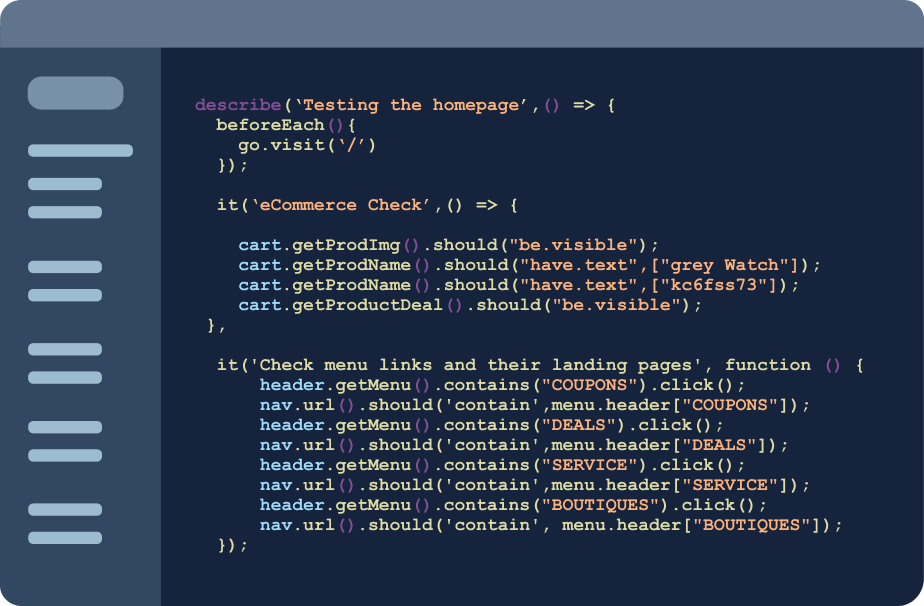
The traditional way to test frontend functionality includes hundreds of assertions of what the app should do in what we deem are the most important aspects of the experience – like product labels, buy-now buttons, or add-to-cart buttons. Even just testing the priority aspects of your app with these assertions creates technical debt, as things change and tests need to be maintained.
We are big believers in doing testing in a layered approach to provide proper coverage of your app. No one way of testing can cover everything. Here are some common methods to include in frontend testing your eCommerce app or website.
Component testing is essentially atomic unit tests on components of your frontend. Due to the repeated nature of eCommerce apps – with elements being used across product pages and category pages – testing components of a design system can save a lot of time over checking assertions for individual elements. These components still lack context of the entire application, which leaves room for errors to occur when these components are together in production.
There’s a lot you can do from a validation standpoint for the web both locally and in test environments to continually make sure that all of your products are showing up. Smoke testing consists of fast tests that validate that the app is able to run without failure, missing bugs that aren’t mission critical. This can include simple crawling of URLs to make sure that they don’t return an error or that uniquely created query parameters are getting created as expected. These tests are the fastest way to get quick uptime coverage for multi-page application e-commerce sites.
A common final approach in testing is end-to-end testing around specific scenarios, but even those have challenges. You have to experience end-to-end scenarios to understand them, which means that you’re only able to test for what you know. There may be common bugs that come up in customer tickets or problem areas that you see a lot in QA tickets during your sprints. We can only run so many scenario tests, so you need to take time to establish testing priorities.
When it comes to prioritizing what to test, it can help to follow the Pareto principle, where 80% of the consequences come from 20% of the causes. This means that you want to test the most impactful aspects of your eCommerce experience to cover the most impact. By this principle, around 20% of your templates are going to drive 80% of your actual revenue, so it’s really important to prioritize the most important 20% of your app or website.
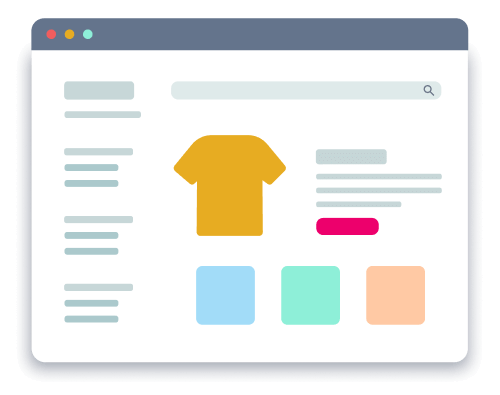
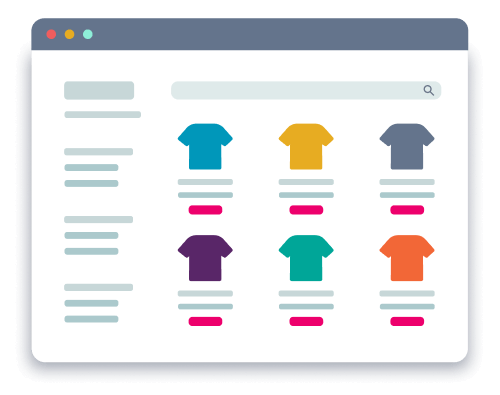
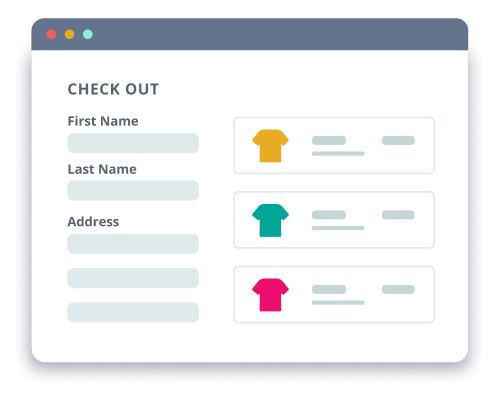
For eCommerce, the most important parts of the app revolve around things like the:
You start to see that you’re testing a lot of the same things. You just need to make sure that you can either use data-driven testing to make sure you’re getting the most scenarios or cross-browser testing of the most important parts across all the experiences that an end user is getting. Visual testing can kind of combine all those aspects – templated pages, localization, cross-browser testing – all at the same time in a much faster way.
With eCommerce being more accessible than ever, more people are shopping online, which brings in different kinds of user behavior. We’ve put together a few different shopper personas that cover some of this user behavior. These personas help us research and design test cases that better match how customers interact with an eCommerce app.
These shoppers browse items and pages before purchasing. You can potentially see this trend of users through the pages per visit. These shoppers use categories and filters to find items. They may have multiple tabs of their browser open to different pages of your site or web app.
These shoppers are brought in from social ads, paid media, or nurture emails. You can potentially see this trend of users who come in with referral cookies or through tracked links. These shoppers interact with paid ads in your app, and they find other products on your site through internal ads. They give product ratings and write reviews for other shoppers.
These shoppers take their time making their decision. They may take days between first viewing a product and purchasing, revisiting the site or app. This revisiting may even be on different devices and browsers to view the site when they visit the site or app.
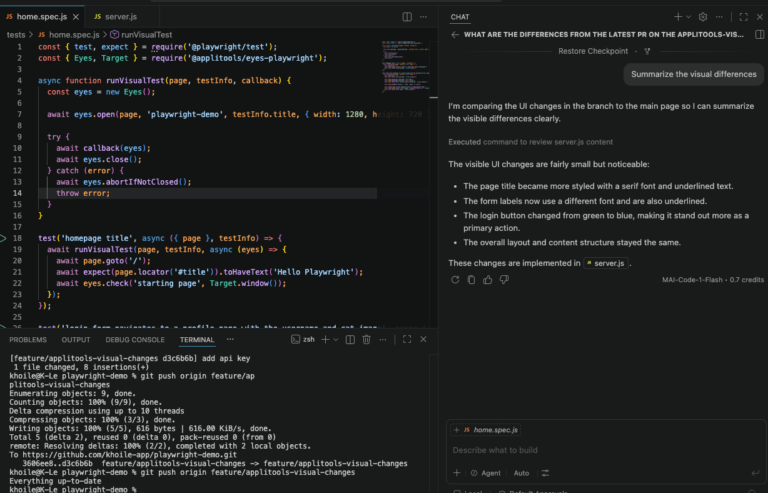
Visual testing captures screenshots of your app at various stages and compares them to known baselines to catch unexpected visual changes. Adding this approach to your testing pipeline speeds up your frontend testing by giving you a way to test entire screens at a time, instead of individual components with individual assertions.
While visual testing allows us to cover aspects of functional testing with less code, using visual AI will unlock even more test automation capabilities like:
To learn more about visual testing, read our Enhance your testing strategy with visual testing two-pager. Now that we’ve covered different methods of testing frontends, we’ll go into a few different types of users to keep in mind when testing your eCommerce app or website.
Applitools is a test automation platform that uses AI to help teams ship flawless digital experiences without the hassle of the traditional testing practices.
With Applitools Eyes and our next-gen testing cloud, Ultrafast Grid, developers and QA engineers can run tests to quickly validate frontend functionality, accessibility, and visual correctness with unprecedented speed and accuracy.
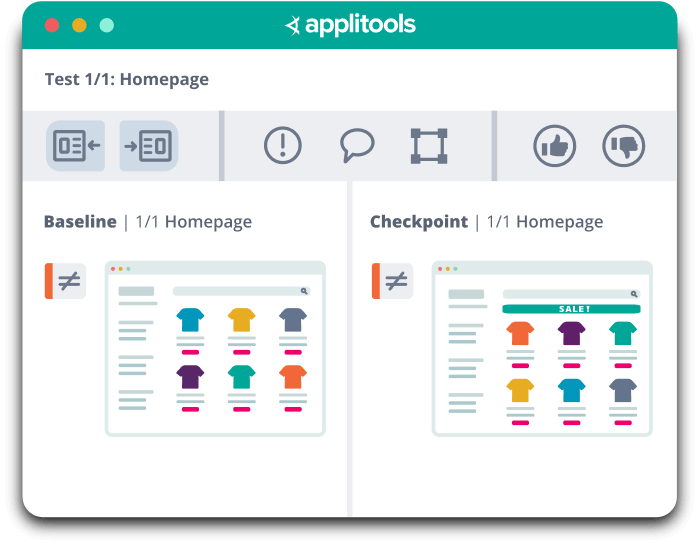
Applitools enables you to test for dynamic content, but also unlock a variety of AI-powered visual testing capabilities:
The live demo in the webinar covered visual regression testing, accessibility testing, and multi-baseline testing. To check out the live demo of using Applitools Eyes to test an eCommerce site, you can view the on-demand webinar. If you’re ready to try it yourself, you can create a free account or reach out to our sales team. Happy testing!