
Learn everything you need to know about how to perform UI testing, including why it’s important, a demo of a UI test, and tips and tricks to make UI testing easier.
When users explore web, mobile or desktop applications, the first thing they see is the User Interface (UI). As digital applications become more and more central to the way we all live and work, the way we interact with our digital apps is an increasingly critical part of the user experience.
There are many ways to test an application: Functional testing, regression testing, visual testing, cross-browser testing, cross-device testing and more. Where does UI testing fit into this mix?
UI testing is essential to ensure that the usability and functionality of an application performs as expected. This is critical for delivering the kinds of user experiences that ensure an application’s success. After all, nobody wants to use an app where text is unreadable, or where buttons don’t work. This article will explain the fundamentals of UI testing, why it’s important, and supply a UI testing checklist and examples to help you get started.
UI testing is the process of validating that the visual elements of an application perform as expected. In UI Testing, graphical components such as text, radio buttons, checkboxes, buttons, colors, images and menus are evaluated against a set of specifications to determine if the UI is displaying and functioning correctly.
UI testing is an important way to ensure an application has a reliable UI that always performs as expected. It’s critical for catching visual and even functional bugs that are almost impossible to detect using other kinds of testing.
Modern UI testing, which typically utilizes visual testing, works by validating the visual appearance of an application, but it does much more than make sure things simply look correct. Your application’s functionality can be drastically affected by a visual bug. UI testing is critical for verifying the usability of your UI.
Note: What’s the difference between UI testing and GUI testing? Modern applications are heavily dependent on graphical user interfaces (GUIs). Traditional UI testing can include other forms of user interfaces, including CLIs, or can use DOM-based coded locators to try and verify the UI rather than images. Modern UI testing today frequently involves visual testing.
Let’s take an example of a visual bug that slipped into production from the Southwest Airlines website:
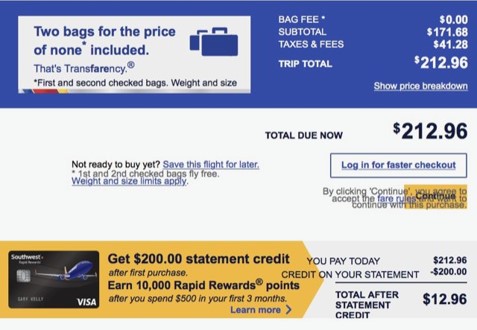
Under a traditional functional testing approach this would pass the test suite. All the elements are present on the page and successfully loaded. But for the user, it’s easy to see the visual bug.
This does more than deliver a negative user experience that may harm your brand. In this example, the Terms and Conditions are directly overlapping the ‘continue’ button. It’s literally impossible for the user to check out and complete the transaction. That’s a direct hit to conversions and revenue.
With good UI testing in place, bugs like these will be caught before they become visible to the user.
Manual UI testing is performed by a human tester, who evaluates the application’s UI against a set of requirements. This means the manual tester must perform a set of tasks to validate that the appearance and functionality of every UI element under test meets expectations. The downsides of manual testing are that it is a time-consuming process and that test coverage is typically low, particularly when it comes to cross-browser or cross-device testing or in CI/CD environments (using Jenkins, etc.). Effectiveness can also vary based on the knowledge of the tester.
Record and Playback UI testing uses automation software and typically requires limited or no coding skill to implement. The software first records a set of operations executed by a tester, and then saves them as a test that can be replayed as needed and compared to the expected results. Selenium IDE is an example of a record and playback tool, and there is even one built directly into Google Chrome.
Model-based UI testing uses a graphical representation of the states and transitions that an application may undergo in use. This model allows the tester to better understand the system under test. That means tests can be generated and potentially automated more efficiently. In its simplest form, the approach requires the steps below:
Manual testing, as we have seen above, has a few severe limitations. Because the process relies purely on humans performing tasks one at a time, it is a slow process that is difficult to scale effectively. Manual testing does, however, have advantages:
In most cases automation will help testing teams save time by executing pre-determined tests repeatedly. Automation testing frameworks aren’t prone to human errors and can run continuously. They can be parallelized and executed easily at scale. With automated testing, as long as tests are designed correctly they can be run much more frequently with no loss of effectiveness.
Automation testing frameworks may be able to increase efficiency even further with specialized capabilities for things like cross-browser testing, mobile testing, visual AI and more.
On the surface, UI testing is simple – just make sure everything “looks” good. Once you poke beneath that surface, testers can quickly find themselves encountering dozens of different types of UI elements that require verification. Here is a quick checklist you can use to make sure you’ve considered all the most common items.
Each of the above must be tested across every page, table, form and menu that your application contains.
It’s also a good practice to test the UI for specific critical end-to-end user journeys. For example, making sure that it’s possible to journey smoothly from: User clicks Free Trial Signup (Button) > User submits Email Address (Form) > User Logs into Free Trial (Form) > User has trial access (Product)
UI testing can be a challenge for many reasons. With the proper tooling and preparation these challenges can be overcome, but it’s important to understand them as you plan your UI testing strategy.
Let’s take an example of an app with a basic use case, such as a login screen.
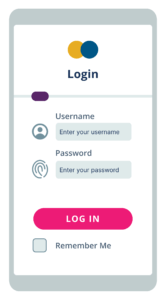
Even a relatively simple page like this one will have numerous important test cases (TC):
Simply testing each scenario on a single page can be a lengthy process. Then, of course, we encounter one of the challenges listed above – the UI changes quickly, requiring frequent regression testing.
Performing this regression testing manually while maintaining the level of test coverage necessary for a strong user experience is possible, but would be a laborious and time-consuming process. One effective strategy to simplify this process is to use automated tools for visual regression testing to verify changes to the UI.
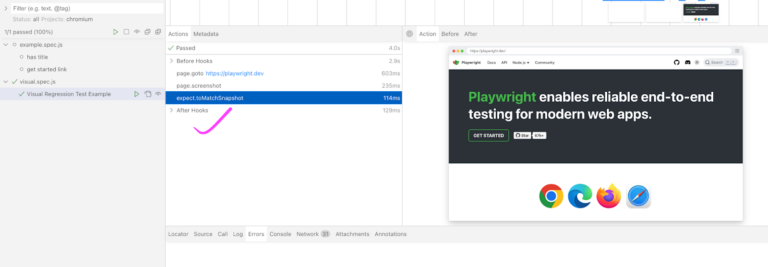
Visual regression testing is a method of ensuring that the visual appearance of the application’s UI is not negatively affected by any changes that are made. While this process can be done manually, modern tools can help you automate your visual testing to verify far more tests far more quickly.
Let’s return to our login screen example from earlier. We’ve verified that it works as intended, and now we want to make sure any new changes don’t negatively impact our carefully tested screen. We’ll use automated visual regression testing to make this as easy as possible.
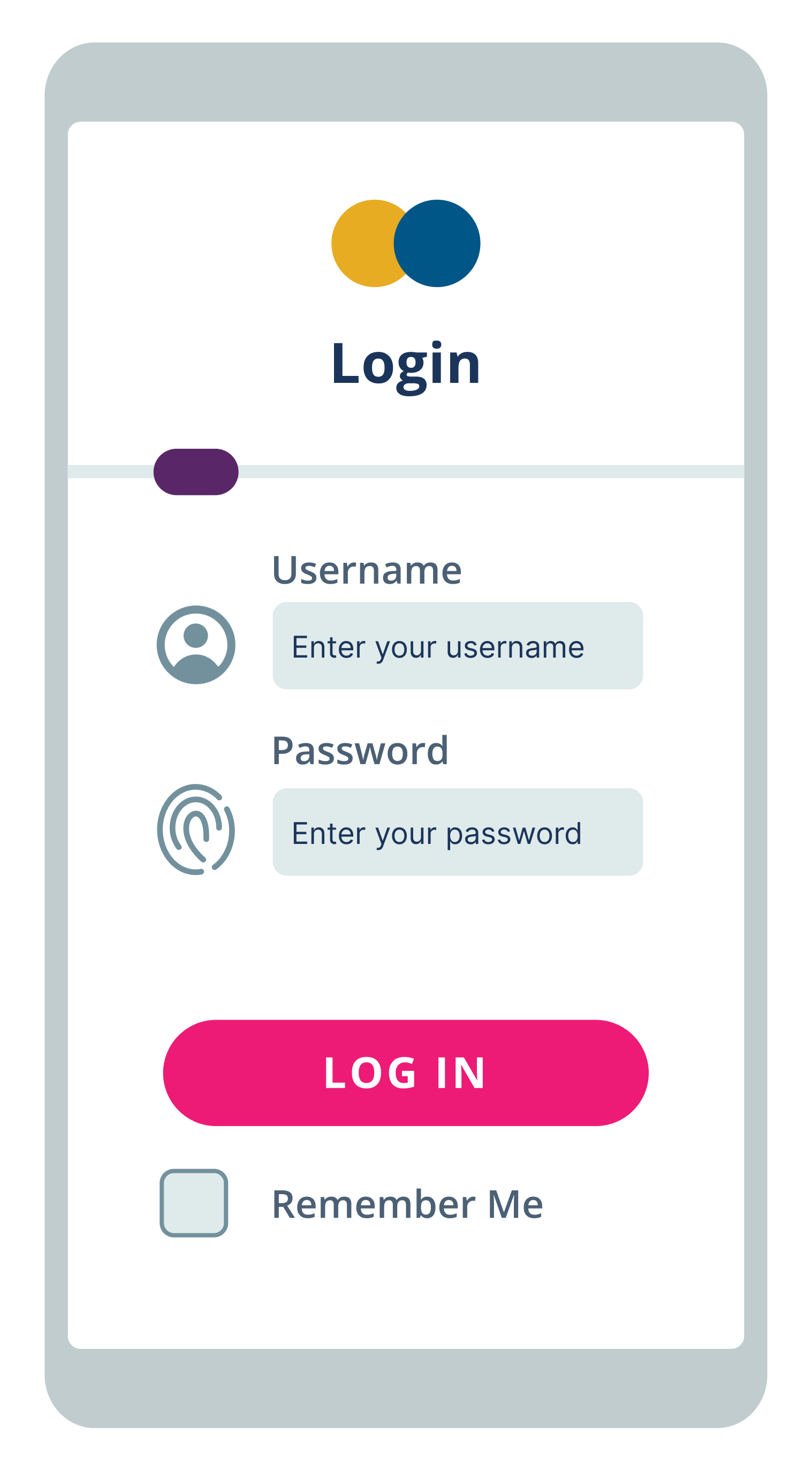
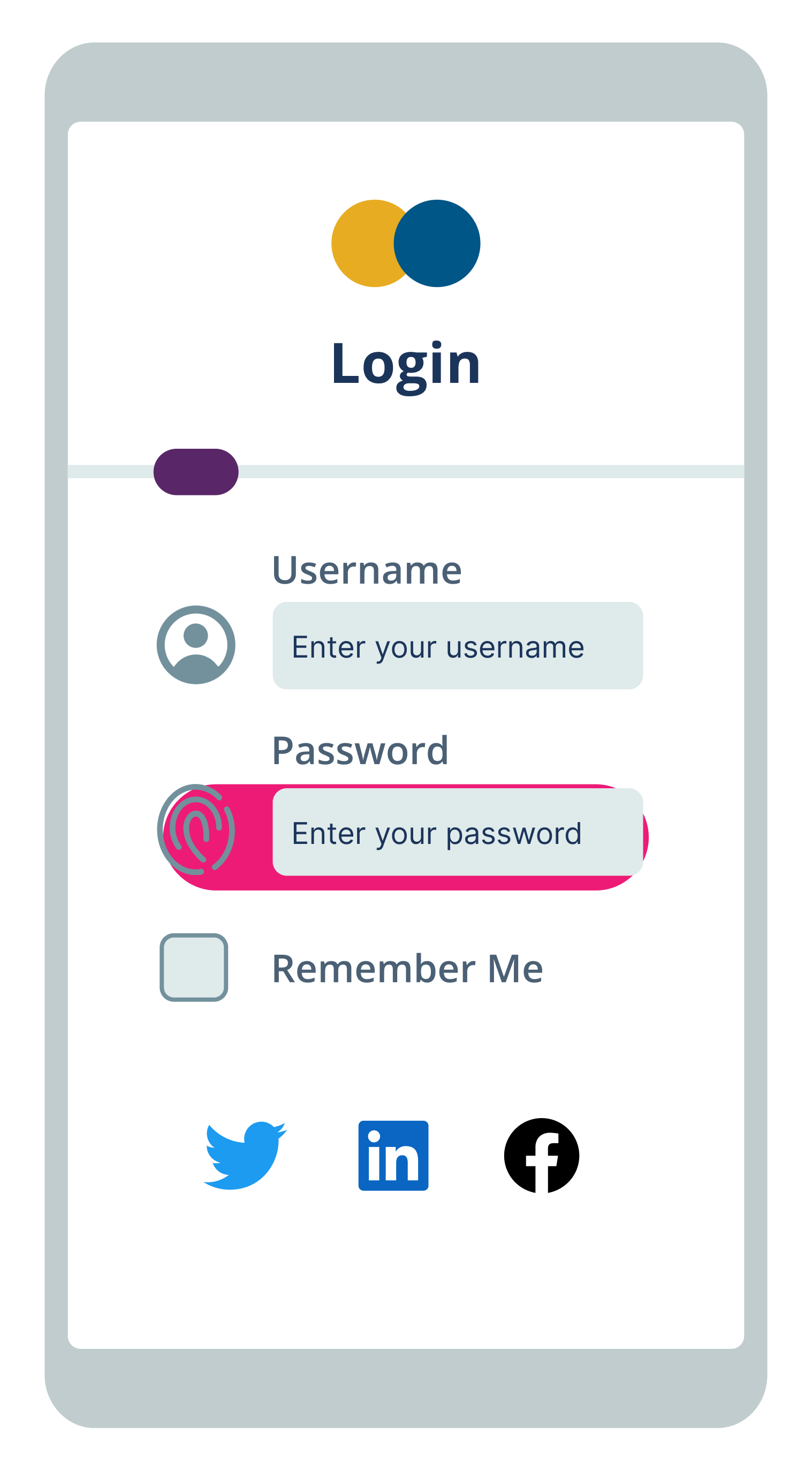
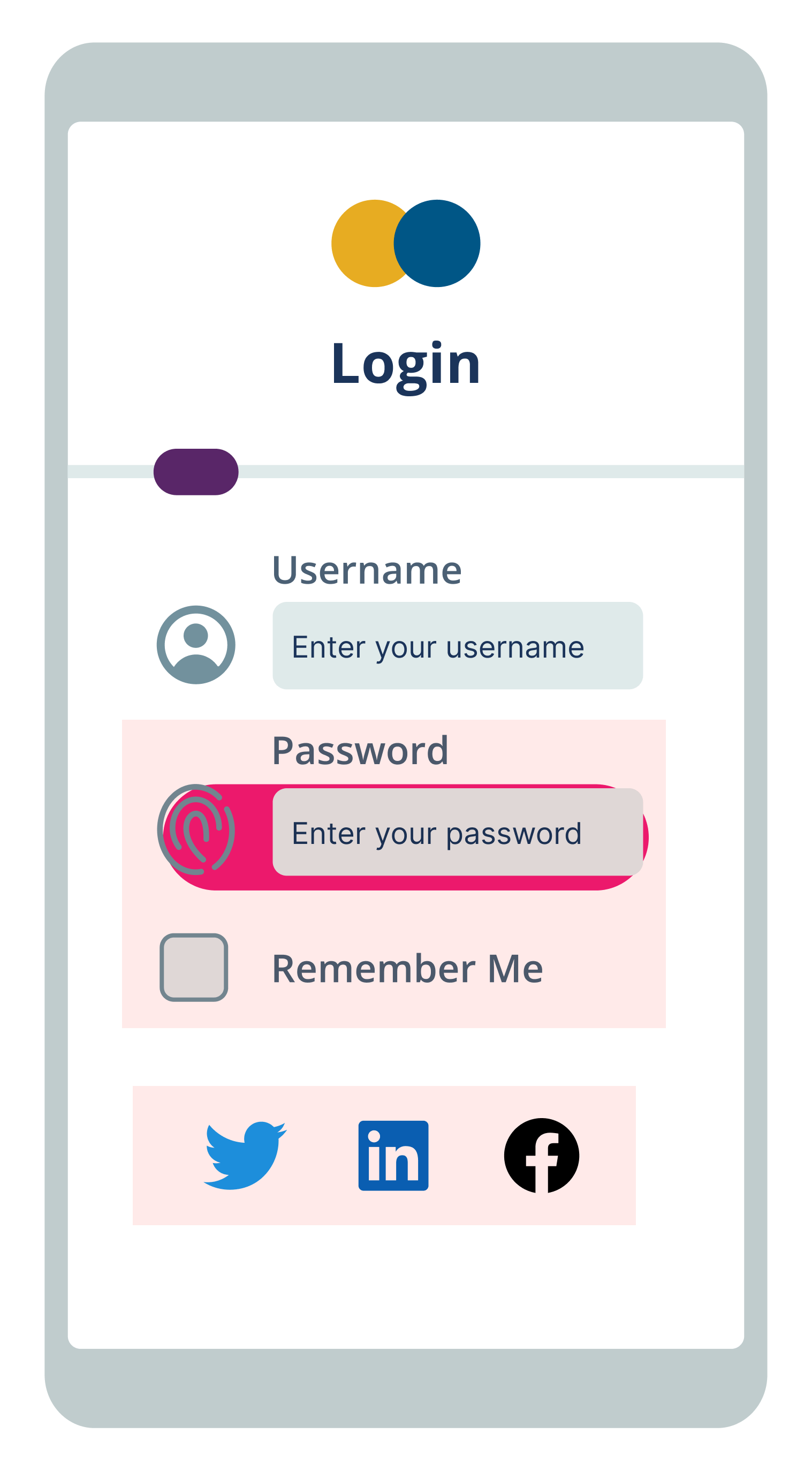
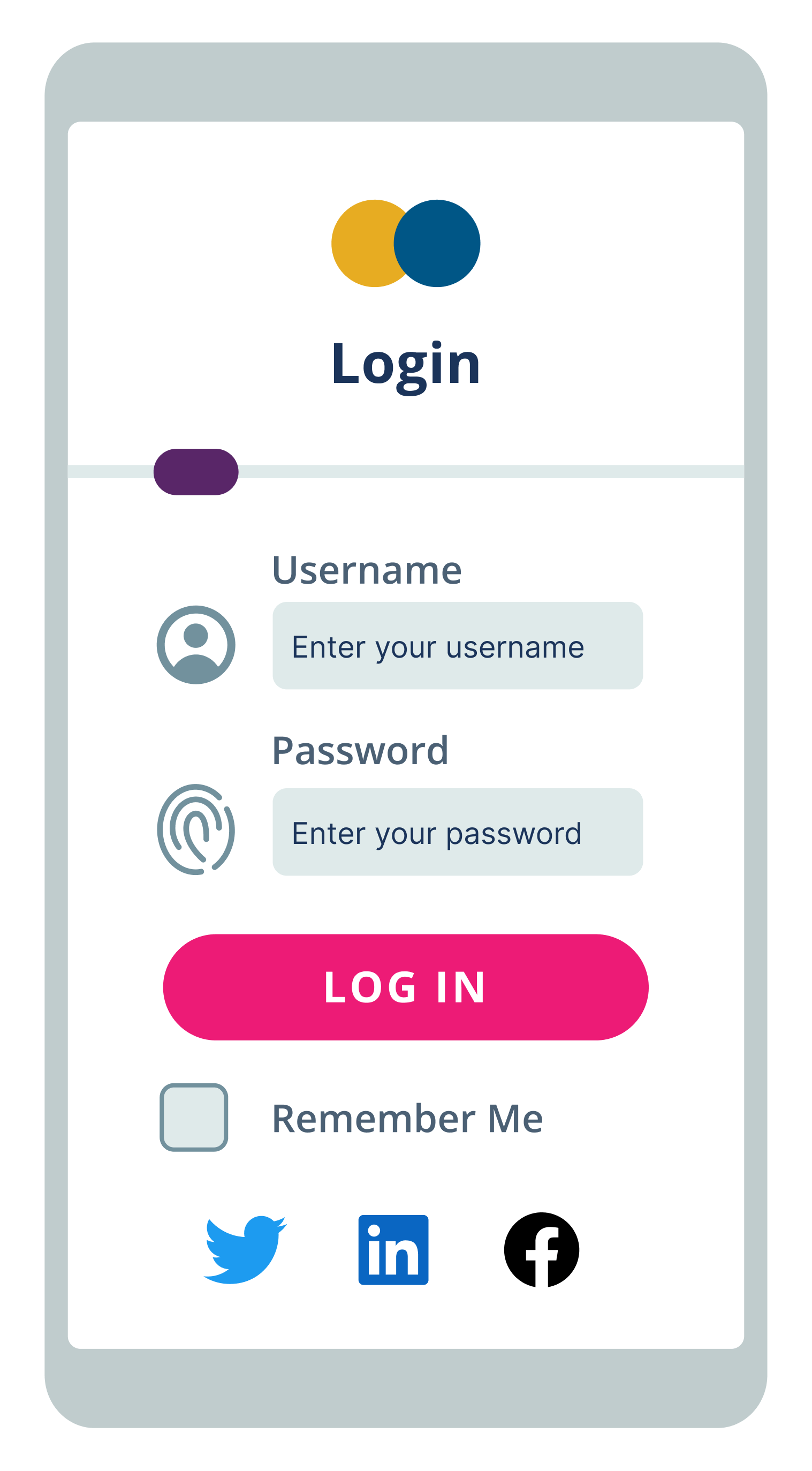
Applitools has pioneered the best Visual AI in the industry, and it’s able to automatically detect visual and functional bugs just as a human would. Our Visual AI has been trained on billions of images with 99.9999% accuracy and includes advanced features to reduce test flakiness and save time, even across the most complicated test suites.
The Applitools Ultrafast Test Cloud includes unique features like the Ultrafast Grid, which can run your functional & visual tests once locally and instantly render them across any combination of browsers, devices, and viewports. Our automated maintenance capabilities make use of Visual AI to identify and group similar differences found across your test suite, allowing you to verify multiple checkpoint images at once and to replicate maintenance actions you perform for one step in other relevant steps within a batch.
You can find out more about the power of Visual AI through our free report on the Impact of Visual AI on Test Automation. Check out the entire Applitools platform and sign up for your own free account today.
Happy Testing!
Read More