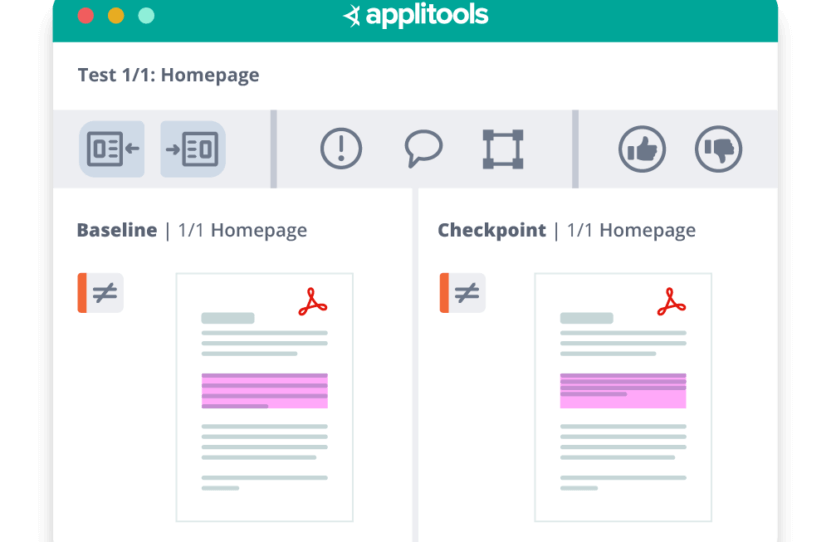
PDF Testing with Visual AI
Automate PDF coverage for contracts, statements, and disclosures. Compare PDFs against approved baselines to catch critical differences and trigger tests from your CI/CD pipeline.
Complex layouts hide subtle but critical errors
PDFs often span many pages with dense tables, charts, footnotes, and legal text. Small layout shifts, truncated rows, or wrapped lines are easy to miss in manual review, yet they can change how customers understand key terms.
Dynamic content floods basic comparison tools with noise
Traditional pixel or text diff tools treat every change as a failure, so teams spend their time sifting through expected differences instead of finding real defects.
Manual and fragmented workflows do not scale
Most teams still sample a few PDFs and review them by eye or in a separate tool. This approach slows releases, leaves gaps when systems generate thousands of documents, and makes it hard to maintain a consistent, auditable standard for “correct” PDFs.
I love how Applitools Eyes has the smarts to ignore minor visual differences in your components, especially when testing on different browser types where it’s easy for layout to be off by a pixel.Kent C. DoddsJavaScript engineer and creator of TestingJavaScript.com

Catch critical PDF issues before customers or regulators
Automated PDF comparison with Visual AI helps your team find the issues that matter most in statements, disclosures, and contracts, before you send them out.
-
Validate entire PDFs against approved baselines, not just a few samples.
-
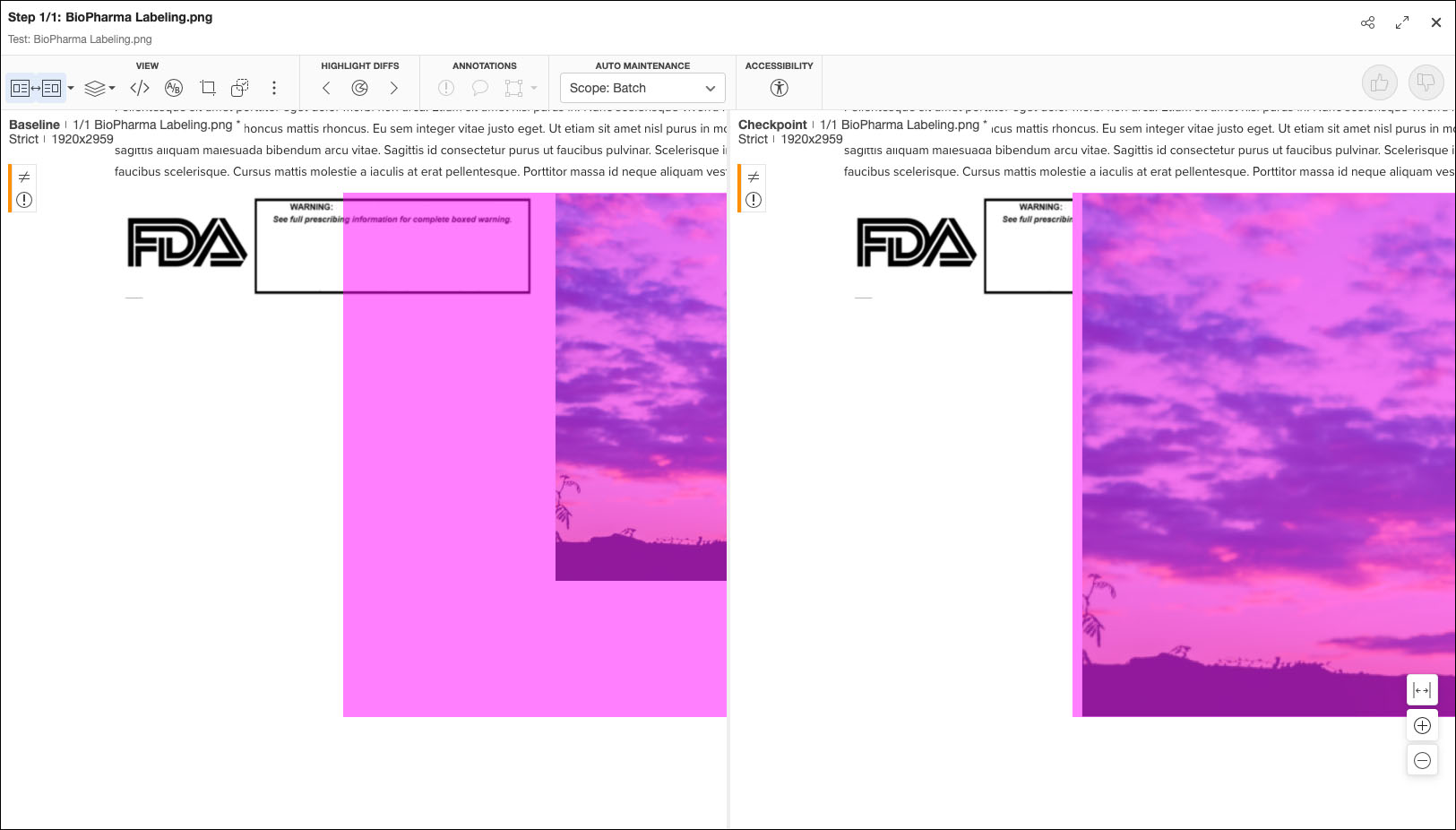
Catch layout shifts, missing rows, broken tables, and moved legal text that manual review often misses.
-
Protect high stakes documents like financial statements, policy packets, SBCs, EOBs, and contracts from subtle but costly errors.
-
Reduce the risk of customer disputes and remediation work that comes from incorrect or incomplete PDFs.
Scale PDF test automation across thousands of documents
Applitools makes PDF testing practical at the volume modern systems produce.
-
Run automated PDF comparison across large batches of PDFs in a single job, instead of spot-checking a handful.
-
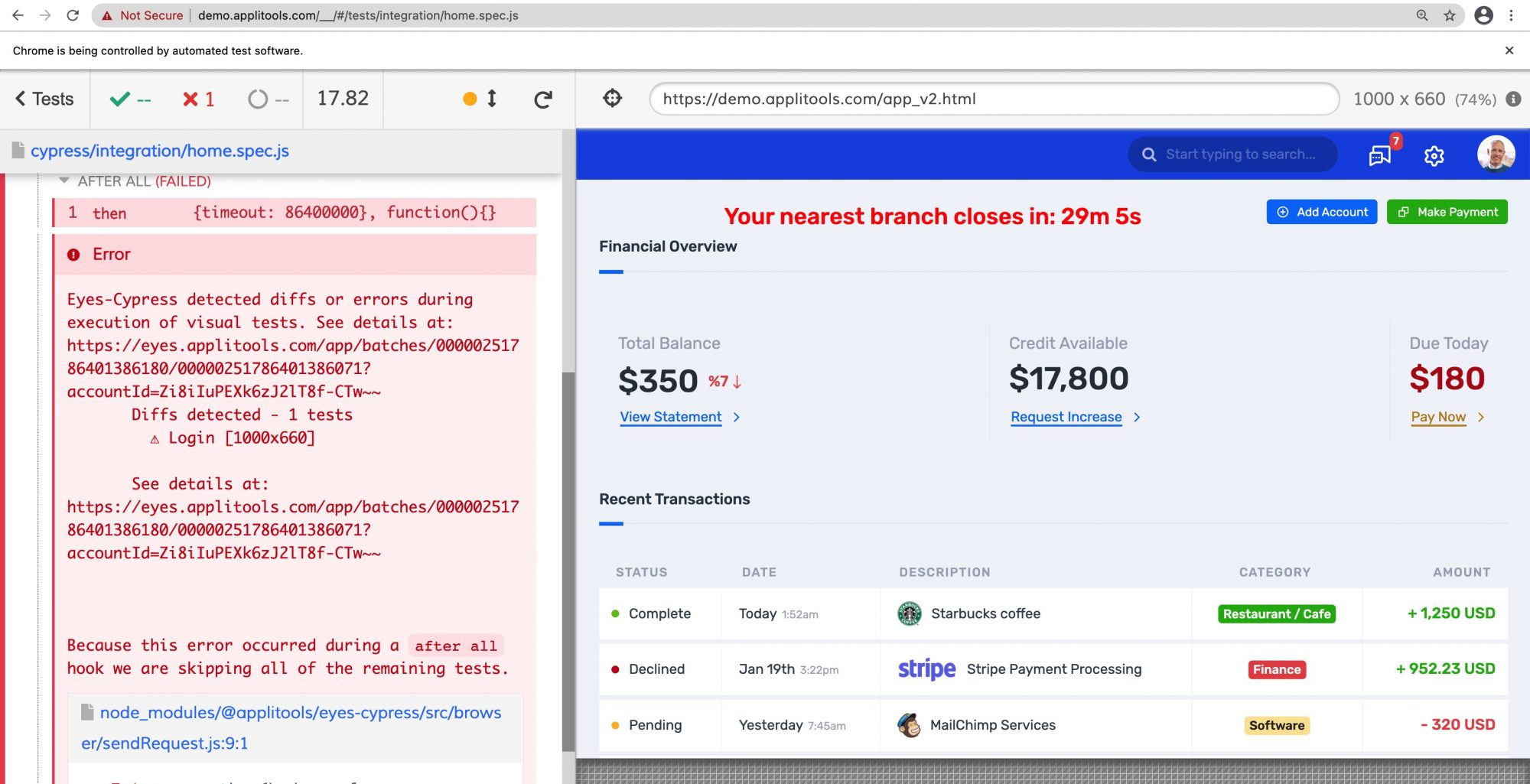
Add PDF checks to your existing CI/CD pipelines with the same Eyes SDKs you already use for web and app tests.
-
Use region-based comparison and smart match-level controls so tests stay stable even as dates, IDs, and personalized values change.
-
Free QA from repetitive manual review so they focus on investigating real issues, not hunting through documents.
Give QA and stakeholders one visual source of truth for PDFs
PDF testing becomes part of a unified Visual AI workflow rather than a separate, manual process.
-
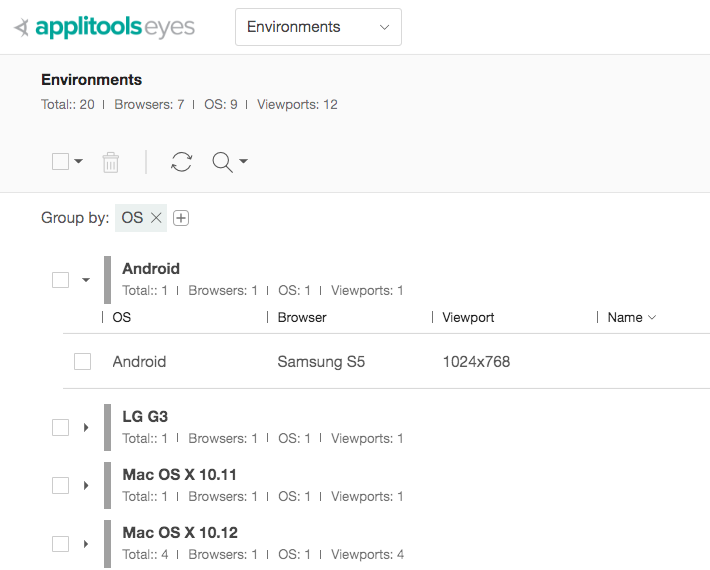
Manage baselines, results, and approvals for PDFs in the same Applitools UI you use for web and mobile.
-
Share clear visual diffs with product, legal, and compliance stakeholders so everyone understands exactly what changed.
-
Maintain a visual history of document changes that supports internal reviews and external audits.
-
Use one platform for pages, apps, components, and PDFs so teams learn a single way of working and trust the results.

AI-Powered Visual Testing
Catch the bugs that matter with Visual AI. Reduce test flakiness and ignore minor UI shifts that don’t affect user experience.

Faster Approvals
Visual diffs give product, legal, and compliance reviewers a clear, side-by-side view of changes. They do not have to line-by-line compare PDFs.

Automatic Component Grouping
Test results are automatically grouped by component to mirror your Storybook structure, simplifying triage and review.

Automated Maintenance
Automatically approve or reject similar diffs in bulk, speeding up test review and reducing maintenance overhead.

Cross-Browser and -Device Testing
Review critical issues first with built-in sorting: Unresolved → Failed → Aborted → New → Passed.

Enterprise-Grade Security and Compliance
Use Applitools with secure environments through dedicated or on-prem deployment, ideal for financial, healthcare, and government sectors.